Leave RCS switched on. RCS messaging (Rich Communication Services) is the modern replacement for SMS, and it is already built into the standard messaging app on Android and, since iOS 18, on iPhone. It sends your messages over mobile data or WiFi instead of the old text network, so you get typing indicators, read receipts, high quality photos and videos, and proper group chats. Since iOS 26.5, chats between iPhone and Android can also be end to end encrypted on supported networks. Most Belgian operators support RCS on Android and iPhone. It uses very little data: a text takes a few KB, and a week of daily chatting with a few photos stays under 50 MB. This guide covers how RCS compares to SMS, how to check it, how much data it uses abroad and how to switch it on or off.
What is RCS messaging?
RCS stands for Rich Communication Services, a standard developed by the GSMA, the global association of mobile operators. It upgrades the text messages linked to your phone number: you keep the same app and the same number, but your message travels as data instead of as a classic SMS. On Android you find it in Google Messages as RCS chats, and on iPhone in the Messages app as RCS Messaging.
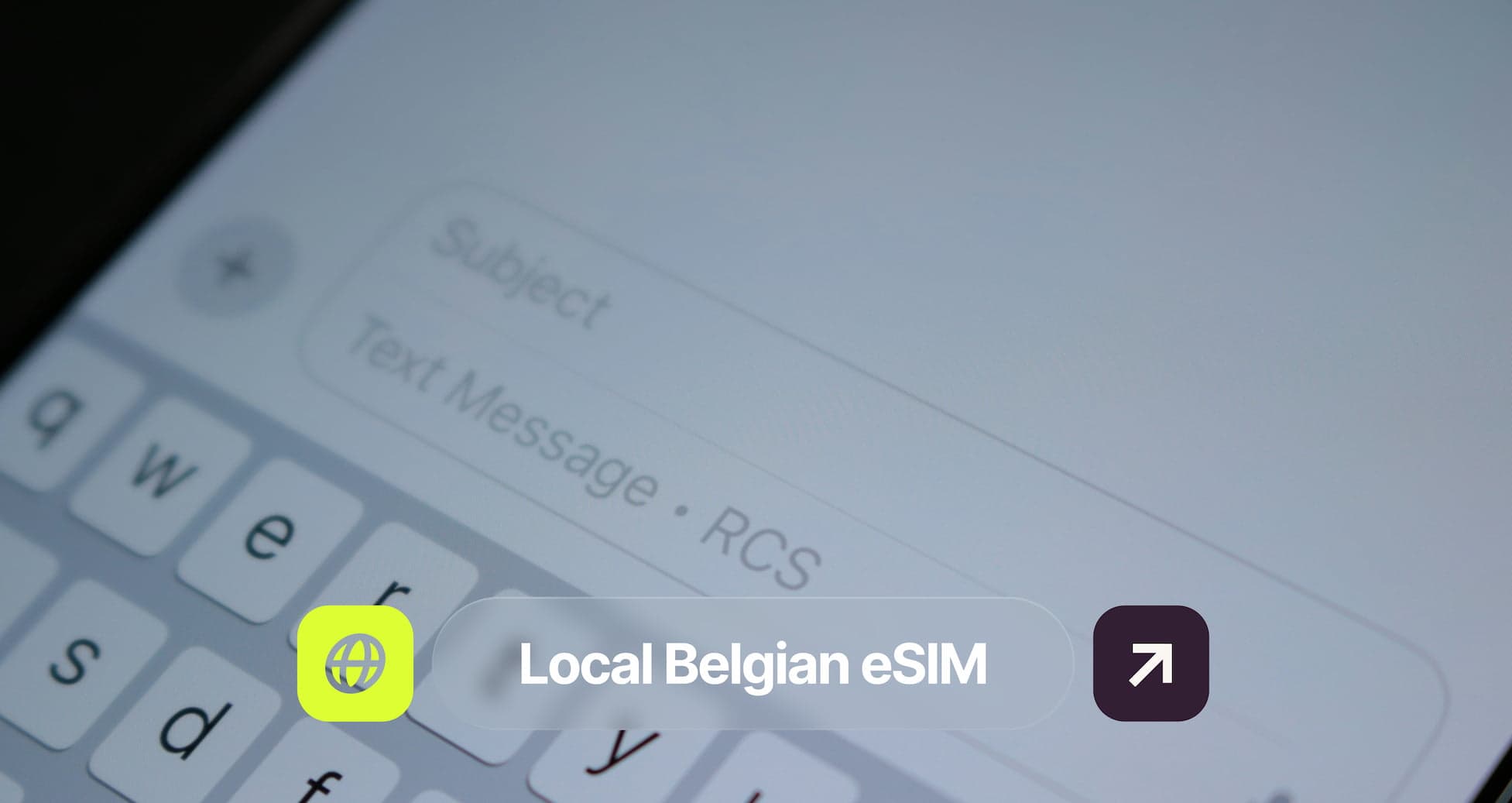
When the text box shows "RCS chat" or "Text message • RCS", your conversation is using RCS. When one of the two phones cannot use RCS, your phone sends a normal SMS instead, so the message still arrives.
RCS vs SMS: what is the difference?
Message Type | SMS | RCS |
|---|---|---|
Network | Classic text network | Mobile data or WiFi |
Message length | 160 characters per message | Long messages |
Photos and videos | Low quality through MMS | High quality |
Typing indicators and read receipts | No | Yes |
Group chats | Basic | Full group chats |
Encryption | No | End to end on supported apps and networks |
What it uses | Your SMS allowance | A small amount of data |
Why RCS matters in 2026
iPhone and Android finally speak the same language
Chats between iPhone and Android now get the same features as chats between two Android phones. Before iOS 18, which Apple released in September 2024, those messages always fell back to SMS and MMS, with blurry photos, no typing indicators and group chats that often broke.
Encrypted chats between iPhone and Android
Since iOS 26.5, released in May 2026, RCS chats between iPhone and Android can be end to end encrypted, based on the new RCS Universal Profile 3.0. The feature is still labelled beta and rolls out gradually. It needs a supported network on both sides and the latest version of Google Messages, and encrypted chats show a small lock icon. Apple lists several Belgian networks with encrypted RCS on iPhone, including Proximus, Orange and Telenet.
A better default for everyone you text
RCS makes the standard messaging app work properly for everyone who is not on WhatsApp, without creating an account. Verified businesses can also use RCS to send booking confirmations or delivery updates with their logo and a verification badge, which makes real messages easier to recognise.
Does RCS work in Belgium?
Yes, most Belgian operators support RCS on Android and iPhone. Support can still differ per operator, plan and phone, so check it on your own phone:
Phone | Where to check | What you should see |
|---|---|---|
Android | Google Messages, profile picture, Messages settings, RCS chats | Status "Connected" |
iPhone | Settings, Apps, Messages | RCS Messaging switched on |
How much data does RCS use?
Very little for text, more for photos and videos. Typical figures:
What you send | Typical data use |
|---|---|
Text message | A few KB |
Photo, compressed | Around 150 to 500 KB |
Photo, full quality | 1 to 5 MB |
Voice message, 1 minute | Around 0.5 MB |
Short video clip | 5 to 30 MB |
Fifty texts and five compressed photos a day come to only a few MB, so a week of light use stays under 50 MB. For the rest of your trip, add maps and WhatsApp calls: around 1 GB covers a week of light travel use.
RCS abroad: what to do
Check that RCS shows as connected before you leave, and keep your Belgian SIM switched on. Then follow the rule for where you are:
Where you are | What to do |
|---|---|
Inside the EU | Leave data roaming on. Roam like at home rules apply, within fair use limits. |
Outside the EU | Use WiFi or a travel eSIM for data. Without data, your phone falls back to SMS, which your operator may charge per message abroad. |
On hotel or café WiFi | Keep chatting. RCS works over WiFi without using mobile data. |
With a travel eSIM | Keep your Belgian SIM on for your number. In most cases RCS uses the data from the eSIM. |
How to turn RCS on or off
Switch RCS off on your old phone before you move your number to a new one, so no messages get stuck.
Phone | Steps |
|---|---|
Android | Google Messages, profile picture, Messages settings, RCS chats, "Turn on RCS chats" |
iPhone | Settings, Apps, Messages, RCS Messaging |
When RCS is off, your messages go as SMS and MMS again.
Stay connected abroad with Firsty
RCS only works as well as the data behind it. With a travel eSIM from Firsty, your phone has data when you land: no SIM to swap at the airport, no zone chart to check and no surprise bill, and your Belgian number stays active next to it. Every connection Firsty sells also connects someone in Belgium who needs one, not as charity, but as how the business works. Things are moving, so keep an eye on what Firsty is building at Firsty.app.
FAQ
What is an RCS message?
An RCS message is a text message sent through Rich Communication Services, the standard that replaces SMS. It travels over mobile data or WiFi from the standard messaging app on Android and iPhone, and supports typing indicators, read receipts, high quality media and group chats.
What does RCS chat mean on my phone?
RCS chat means your conversation uses RCS instead of SMS. Both phones support RCS, so your messages travel as data with chat features such as read receipts and typing indicators.
How much data does RCS use?
A text message uses a few KB, a compressed photo around 150 to 500 KB and a short video 5 to 30 MB. A week of daily texting with a few photos stays under 50 MB.
Is RCS messaging free?
RCS does not use your SMS allowance. It uses a small amount of mobile data, or none on WiFi. Outside the EU, data roaming charges from your operator can apply.
Is RCS safe and encrypted?
RCS chats between two Android phones in Google Messages are end to end encrypted. Since iOS 26.5, released in May 2026, chats between iPhone and Android can be too on supported networks, as a beta feature marked with a lock icon. SMS is never encrypted.
Does iPhone support RCS?
Yes, since iOS 18, released in September 2024, when your operator supports it. Most Belgian operators do. Check it in Settings, Apps, Messages, RCS Messaging.
What is the difference between RCS and SMS?
SMS uses the classic text network, allows 160 characters per message and sends low quality photos. RCS uses mobile data or WiFi and adds long messages, high quality media, read receipts, group chats and encryption on supported networks.
Is RCS the same as iMessage or WhatsApp?
No. iMessage only works between Apple devices, and WhatsApp is a separate app with its own account. RCS is an open standard in the standard messaging app, linked to your phone number, and works between Android and iPhone.
Why was my RCS message sent as SMS?
One of the two phones had no data connection, had RCS switched off, or does not support RCS. Your phone then falls back to SMS so the message still arrives.
Does RCS work abroad?
Yes, as long as your phone has data through roaming, WiFi or a travel eSIM and RCS stays active on your number. Inside the EU, leave data roaming on. Outside the EU, use WiFi or a travel eSIM, because without data your phone falls back to SMS.
How do I turn off RCS?
On Android, open Google Messages, tap your profile picture, then Messages settings, RCS chats, and switch it off. On iPhone, go to Settings, Apps, Messages and switch off RCS Messaging.