Can I Use eSIM on a Locked iPhone?
At Firsty, we believe in making data roaming fair and square for everyone.
But what if your phone is carrier locked? Can you still use eSIM, especially when you’re traveling and need to connect to new networks? If your phone is carrier unlocked, you can easily switch network carriers or add additional eSIMs without limitations. Let’s explore this and ensure you can unlock the full potential of your device.
What is an eSIM and How Does it Work?
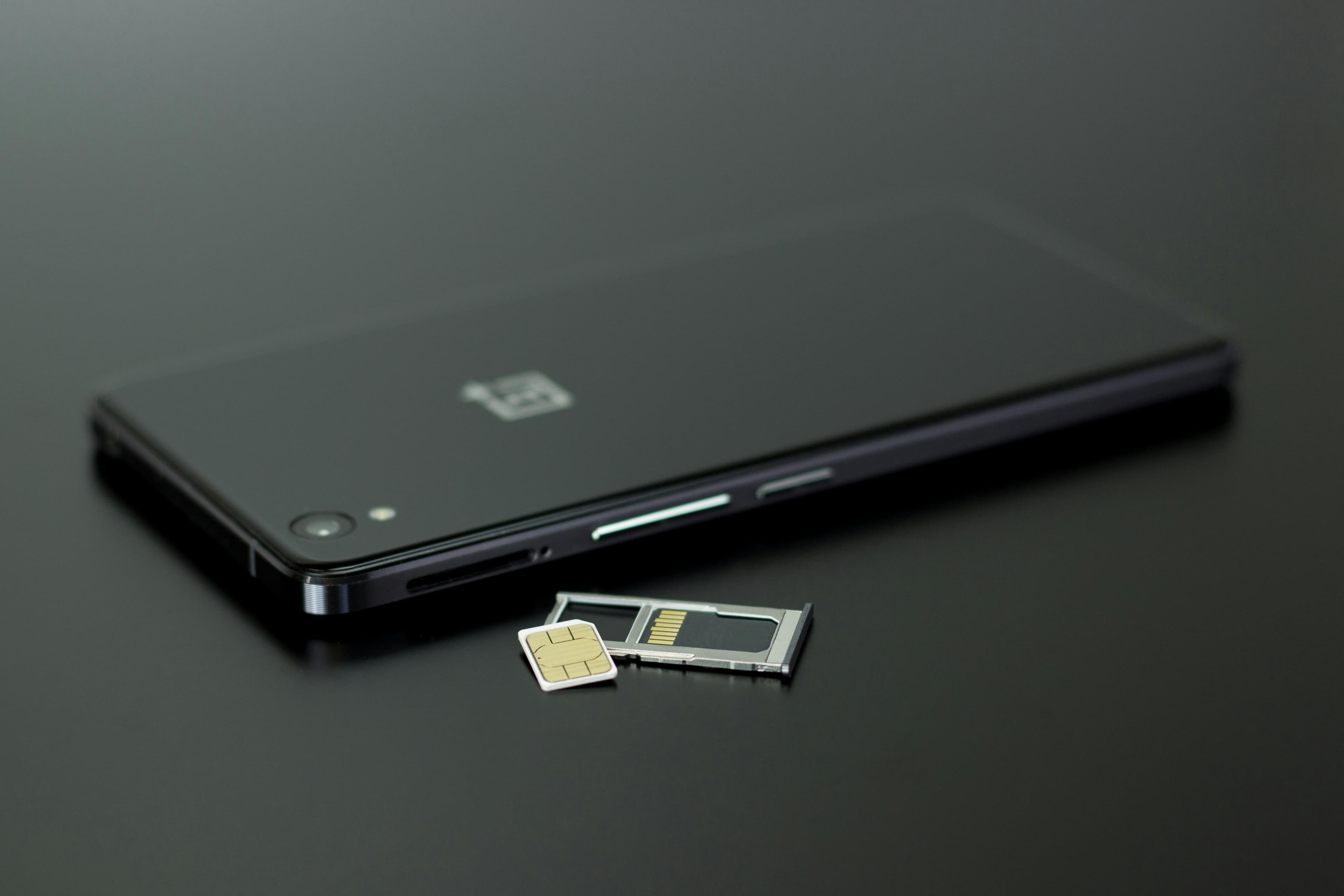
eSIM, or embedded SIM, is a revolutionary technology that replaces the need for physical SIM cards. Unlike traditional SIM cards, an eSIM is a small chip embedded directly into your device, such as an iPhone, Samsung phone, or Google Pixel. This digital SIM card allows you to connect to mobile networks without the hassle of swapping out physical SIM cards.
The beauty of eSIM lies in its flexibility. With an eSIM, you can easily switch between different network providers and plans without needing to insert a new SIM card. This is particularly beneficial for frequent travelers who need to connect to various mobile networks in different countries. By simply programming the eSIM, you can activate a new plan or switch to a different network provider in a matter of minutes.
Why a Carrier Lock and eSIM Don't Mix During Travel
If your phone is a locked iPhone, it’s restricted to connect only to that particular network. This limitation poses a challenge when you’re on the move and need to access new networks in different destinations. To fully embrace the benefits of eSIM while traveling, your phone must be unlocked to freely connect to the supported networks.
The Importance of Connecting to New Network Operators
When using a travel eSIM package, your phone needs the flexibility to support 1–3 different networks. By keeping your network selection on Automatic, your phone can intelligently connect to the strongest supported network in any given location during your journey, ensuring a reliable data connection at all times.
For extended stays, consider getting a postpaid account, which might offer better rates and options compared to prepaid plans.
Mobile Networks and eSIM Compatibility
While eSIM technology offers incredible convenience, it’s important to note that not all mobile networks support it. To use an eSIM, your device must be compatible with the network provider’s eSIM technology. Most major network operators, such as Verizon, AT&T, and T-Mobile, support eSIM, but it’s always a good idea to check with your carrier to confirm compatibility.
Additionally, some devices may only support eSIM on specific models or operating systems. For instance, certain versions of the iPhone or Samsung phone might have different eSIM capabilities. Therefore, it’s crucial to review your device’s specifications and ensure it supports eSIM before making any changes. This step will save you time and ensure a smooth transition to using an eSIM.
Checking If Your Phone is Locked
Wondering if your phone is locked? It’s a quick check away. Here’s how to determine if your iPhone, Google Pixel, or Samsung phone is locked.
For iPhone
Go to Settings.
Tap General, then About.
Scroll down to Carrier Lock or Network Provider Lock.
Check the status displayed.
If it says No SIM restrictions, your iPhone is unlocked.
If it shows anything else, your iPhone may be locked to a specific carrier. Contact the carrier that originally sold the phone to request an unlock.
For Google Pixel
You can check through your network settings:
Go to Settings.
Tap Network & internet.
Select your mobile network.
Turn off Automatically select network to search for available carriers.
If you cannot search for or select other mobile networks, your Google Pixel may be locked. Contact your original carrier to confirm the device’s lock status and request an unlock.
For Samsung
Go to Settings.
Tap Connections.
Tap Mobile Networks.
Tap Network Operators.
Turn off Select automatically to search for available carriers.
If you cannot search for or select other mobile networks, your Samsung phone may be locked. Contact your original carrier to confirm and request an unlock.
Another Way to Check an Android Phone
Android settings can vary depending on the device. You can also check the lock status by inserting a physical SIM card from another carrier and restarting your phone.
Your phone is likely carrier-locked if you see a message such as:
SIM not supported
Network unlock code required
SIM network unlock PIN
Invalid SIM
Unlocking Your Phone for eSIM Bliss
So, how do you use eSIM on an unlocked iPhone? Follow these simple steps:
Contact the carrier listed in your phone settings or the carrier that originally sold the device.
Request to have your phone unlocked for eSIM use.
If required, consider paying off your phone to unlock the full potential of cheap data on vacation through a downloadable SIM card, or eSIM.
Most carriers will consider unlocking a phone if:
The device has been fully paid off.
It has been active on their network for the required period, often 60–90 days.
You are the original owner or an authorized account holder.
You may receive a network unlock code for an Android phone or an automatic remote unlock for an iPhone.
Having an unlocked iPhone is crucial for efficiently using eSIM technology, as it allows you to connect to various carriers and manage multiple eSIMs.
At Firsty, we want you to unlock the world without any restrictions. Ensure your phone is unlocked, and let the freedom of eSIM redefine your connectivity experience, making data roaming fair and square for everyone, just as it should be.