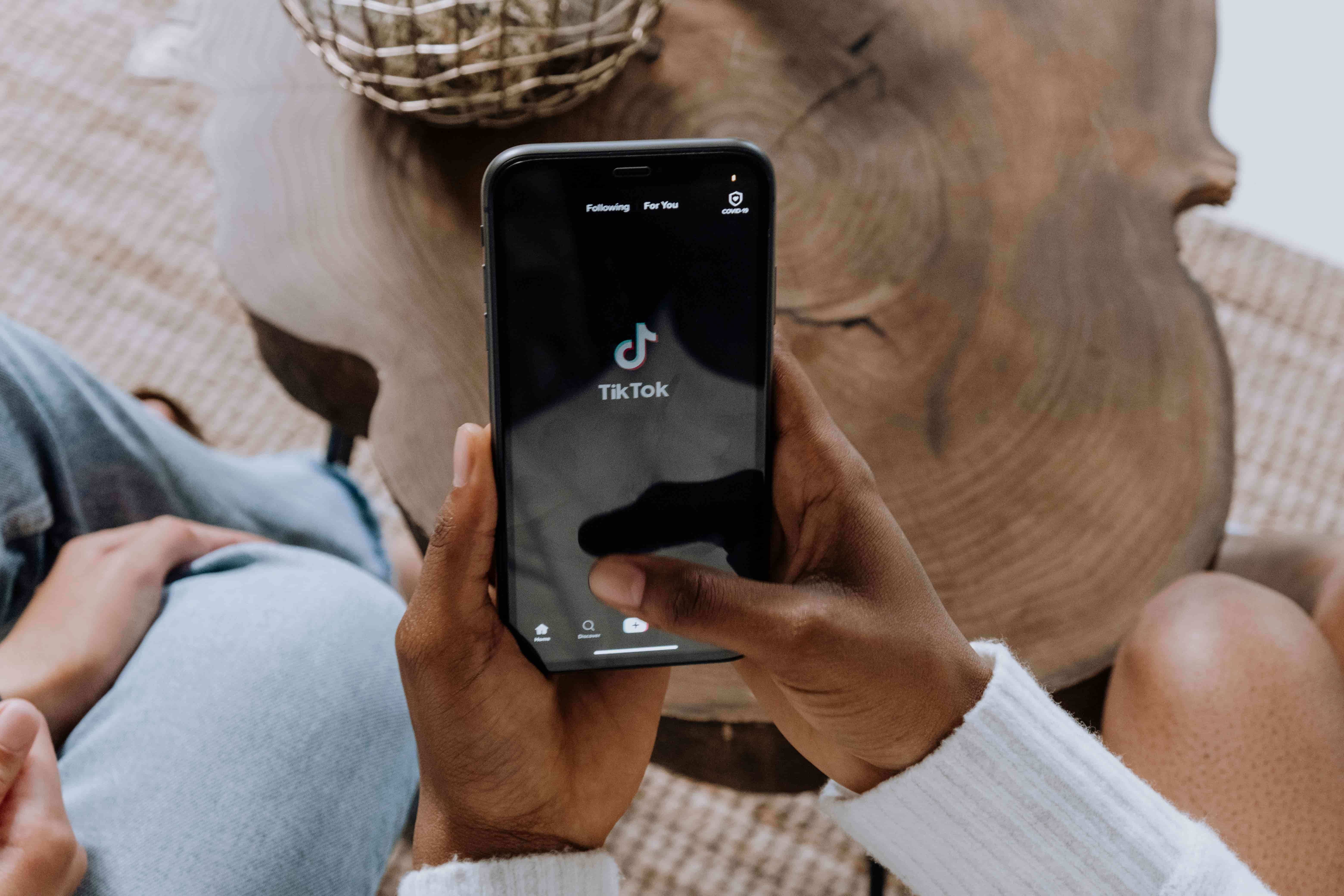
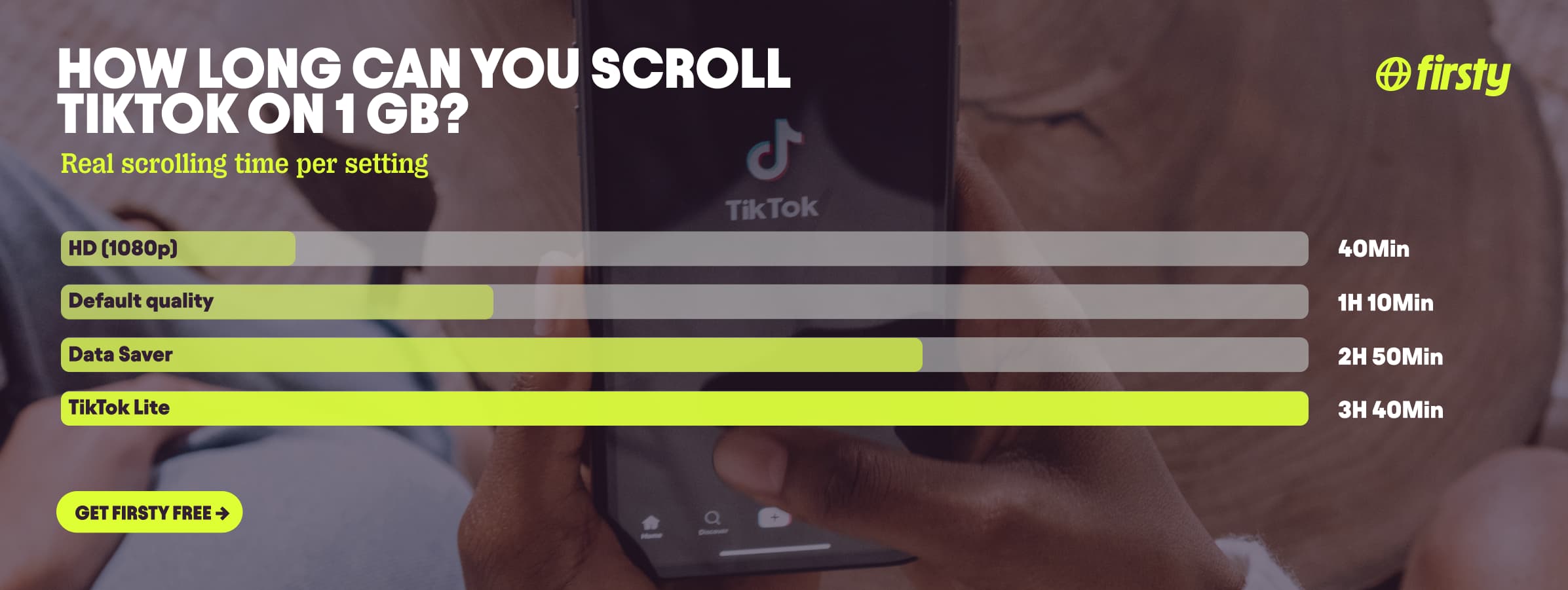
TikTok uses about 840 MB of data per hour at default video quality. That works out to roughly 14 MB per minute, or about 4 to 6 MB for a single short video. Turn on Data Saver mode and it drops to around 360 MB per hour. Watch everything in full HD and it climbs toward 1.5 GB per hour. In plain terms, 1 GB of data gets you about 70 minutes of normal scrolling, or close to three hours with Data Saver switched on. TikTok sits among the more data-hungry apps because it is pure video: every swipe loads another high-resolution clip, and the app preloads the next few before you reach them. How much you actually burn comes down to three things, your video quality, whether Data Saver is on, and how long you scroll.
If you are heading abroad, that adds up fast on roaming. Firsty gives you mobile data in 185+ countries, and the free plan costs nothing, you just watch a short ad. No contract, no SIM swap, no surprise bill.
Below is the full breakdown by quality and activity, why TikTok eats data the way it does, the settings that cut your usage the most, and how TikTok stacks up against other apps.
How much data does TikTok use per hour, per minute, and per video?
Your video quality setting is the biggest lever. Here is the breakdown.
TikTok setting | Data per hour | Data per minute |
|---|---|---|
HD (1080p) | ~1.5 GB | ~25 MB |
Default / standard quality | ~840 MB | ~14 MB |
Data Saver mode | ~360 MB | ~6 MB |
Lowest quality / TikTok Lite | ~280 MB | ~5 MB |
Per video, a typical 15-second clip uses about 4 to 6 MB, and a 30-second clip around 8 MB. So 1 GB of data is roughly 128 thirty-second videos, or a little over an hour of continuous scrolling at default quality.
Why does TikTok use so much data?
TikTok is built entirely around full-screen video, and most of it streams in high resolution by default. Two things push usage higher than you would expect. First, autoplay: videos start the moment they hit your screen, so you are always streaming, never reading. Second, preloading: to keep scrolling smooth, the app downloads the next few clips before you swipe to them, which means it pulls data even for videos you skip in half a second. Uploading your own videos and watching live streams cost more again, since you are sending or receiving continuous video.
How much data does TikTok Lite use?
TikTok Lite is the stripped-down version made for limited data and slower connections. It runs at roughly 280 to 480 MB per hour depending on your settings, noticeably less than the standard app. The trade-off is lower video quality and fewer features, but on a tight plan it is the easiest way to keep scrolling without watching your data vanish.
How much data does TikTok Live use?
Live streams use more than normal scrolling, roughly 1 to 1.5 GB per hour or higher, because you are watching continuous real-time video with no preloading shortcuts. Hosting your own Live costs even more, since you are uploading video the whole time. If you watch a lot of Lives on mobile data, that is where your gigabytes go.
Scroll TikTok abroad without burning your data plan
If you are traveling or worried about your monthly data cap, there is a simpler answer than counting megabytes.
Firsty Free gives you mobile data in 185+ countries by watching short ads. Genuinely free, no payment required, no contract, no credit check.
Classic starts at €0.98/GB, buy data once, use it whenever. GBs never expire.
Unlimited is €2 to €3 per day or €49 per month for genuinely uncapped data. Scroll, stream, and go live for as long as you want without watching the counter.
Most travel data plans charge you €10 to €15 per day in roaming. Your home carrier charges similar. Firsty is the alternative.
Already have Firsty? Open the app, install the eSIM, and you are connected, no number changes, no SIM swap.
How does TikTok compare to other apps?
How TikTok stacks up against the apps you probably also use abroad. It uses more than music or messaging, about the same as Instagram Reels, and less than Netflix or YouTube in HD.
App | Data per hour (heavy use) | Data per hour (light use) |
|---|---|---|
TikTok | ~840 MB | ~280 MB |
Netflix | 3 GB (1080p HD) | 300 MB (Save Data mode) |
YouTube | 1.5 GB (720p) | 90 MB (144p) |
Zoom / Teams | ~1.1 GB (1-on-1 HD video) | ~50 MB (audio only) |
~720 MB (scrolling) | n/a | |
480 MB (video call) | n/a | |
Snapchat | ~360 MB (Stories, Spotlight) | ~20 MB (chat only) |
FaceTime | ~250 MB (video call) | ~30 MB (audio call) |
Spotify | 150 MB (Very High audio) | 40 MB (Normal audio) |
Google Maps | ~20 MB (satellite view) | ~5 MB (navigation) |
How to reduce TikTok data usage
You can cut TikTok's data use by more than half without giving up much. Here is what actually works, in order of impact.
Turn on TikTok's Data Saver. Tap your profile, open the menu in the top right, go to Settings and Privacy, then Data Saver, and toggle it on. This alone takes you from around 840 MB to about 360 MB per hour. Videos load a touch slower and look softer, but it is the single biggest saving.
Use your phone's Low Data Mode. On iPhone, go to Settings, Mobile Data, Mobile Data Options, and turn on Low Data Mode. On Android, open Settings, Network and Internet, Data Saver, and switch it on. This limits background loading across every app, TikTok included.
Stick to WiFi for long sessions. Save your heaviest scrolling, plus any uploads or downloads, for when you are on WiFi so your mobile data lasts.
Use TikTok Lite on a tight plan. If you are regularly close to your cap, the Lite app uses far less data than the standard one.
Avoid HD and live streams on mobile data. Both are the most data-hungry things you can do in the app. Save them for WiFi.
Set a screen-time limit. TikTok's built-in timer, or your phone's app limits, keeps you from accidentally scrolling away a gigabyte.
How to check TikTok data usage on iPhone and Android
On iPhone, open Settings, tap Mobile Data, and scroll down to the list of apps. Find TikTok to see how much it has used since your last reset. To start fresh, scroll to the bottom and tap Reset Statistics.
On Android, open Settings, tap Network and Internet or Connections, then Data usage, then Mobile data usage. Scroll to TikTok to see its consumption over your chosen period.
FAQ
Does TikTok use a lot of data?
Yes, compared to most apps. At roughly 840 MB per hour on default settings, it uses far more than messaging or music streaming and about the same as scrolling Instagram Reels. It uses less than YouTube in HD. An hour a day for a month works out to around 25 GB.
How many GB does TikTok use?
About 0.84 GB per hour at default quality, so an hour a day adds up to roughly 25 GB a month. With Data Saver on, that monthly figure drops to around 11 GB. HD viewing pushes it well past 1 GB per hour.
How much data does TikTok use per minute?
About 14 MB per minute at default quality. With Data Saver on it is closer to 6 MB per minute, and in full HD it can reach 25 MB per minute. A single short video is roughly 4 to 6 MB.
Does TikTok or Instagram use more data?
They are close. TikTok runs slightly higher than scrolling Instagram's mixed photo-and-video feed, which sits around 720 MB per hour. But Instagram Reels use about the same as TikTok, since both are full-screen video. If you mostly watch Reels, expect similar usage on either app.
Does TikTok or YouTube use more data?
YouTube uses more at high quality. YouTube in HD can hit 1.5 GB per hour or more, while TikTok runs around 840 MB at default settings. The catch with TikTok is that infinite scroll makes it easy to watch for far longer without noticing.
How much data does TikTok Live use?
More than normal scrolling, roughly 1 to 1.5 GB per hour, because a live stream is continuous real-time video. Hosting your own Live uses even more, since you are uploading the whole time.
Does TikTok work without WiFi?
Yes, TikTok runs fine on mobile data. The thing to watch is that default quality burns about 840 MB per hour off your plan, so turn on Data Saver or use WiFi for long sessions if your data is limited.